
Town Hall
A Hamlet building
Volunteer management for organizations that run on people.
Town Hall helps parishes, nonprofits and community groups plan events, staff them with trained volunteers, and recognize the people who show up. Staff get a console to run all of it, and they can plan events with Claude.
- Free and open source
- Self-hosted
- Six languages
- Installs as an app
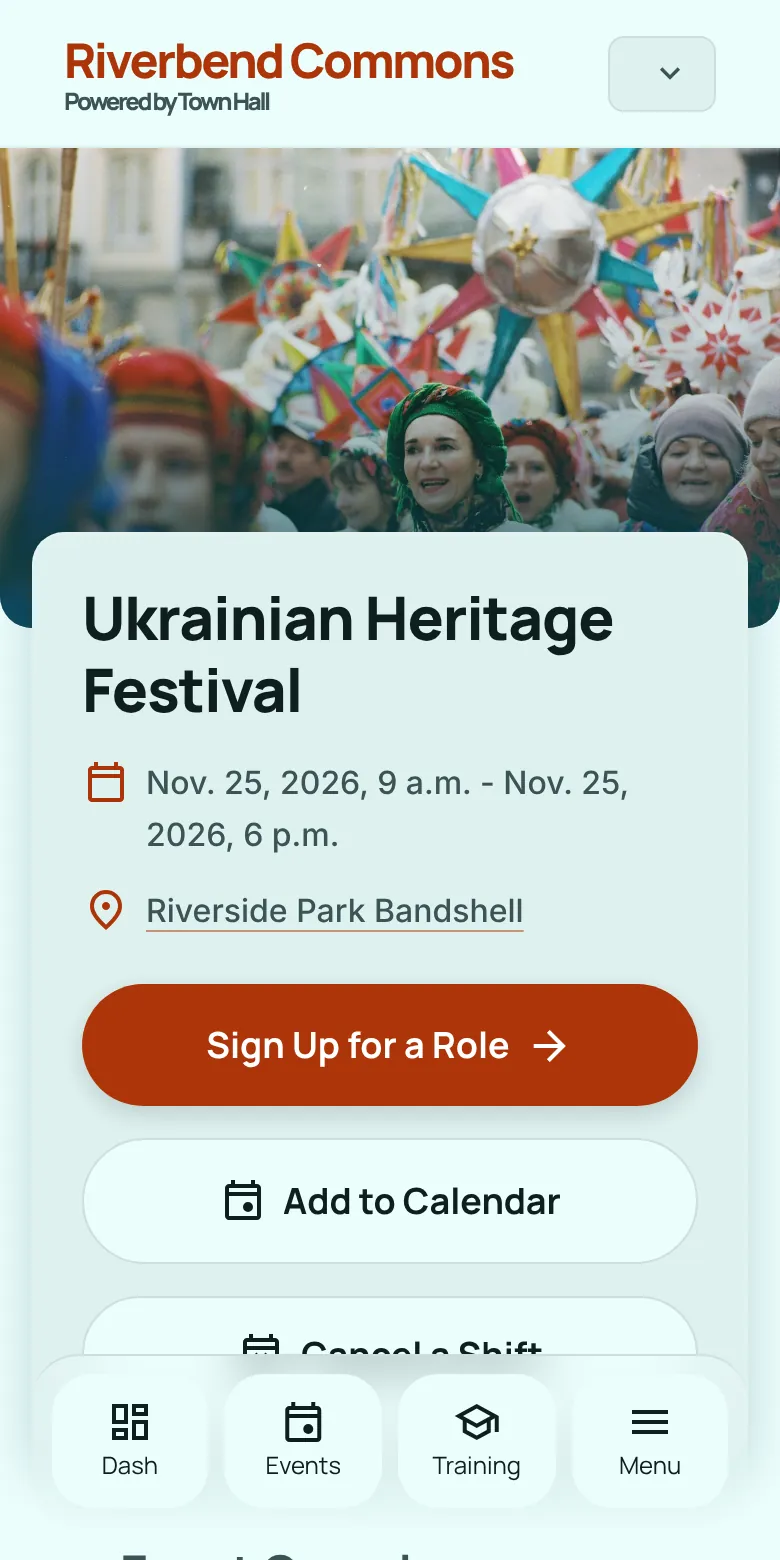
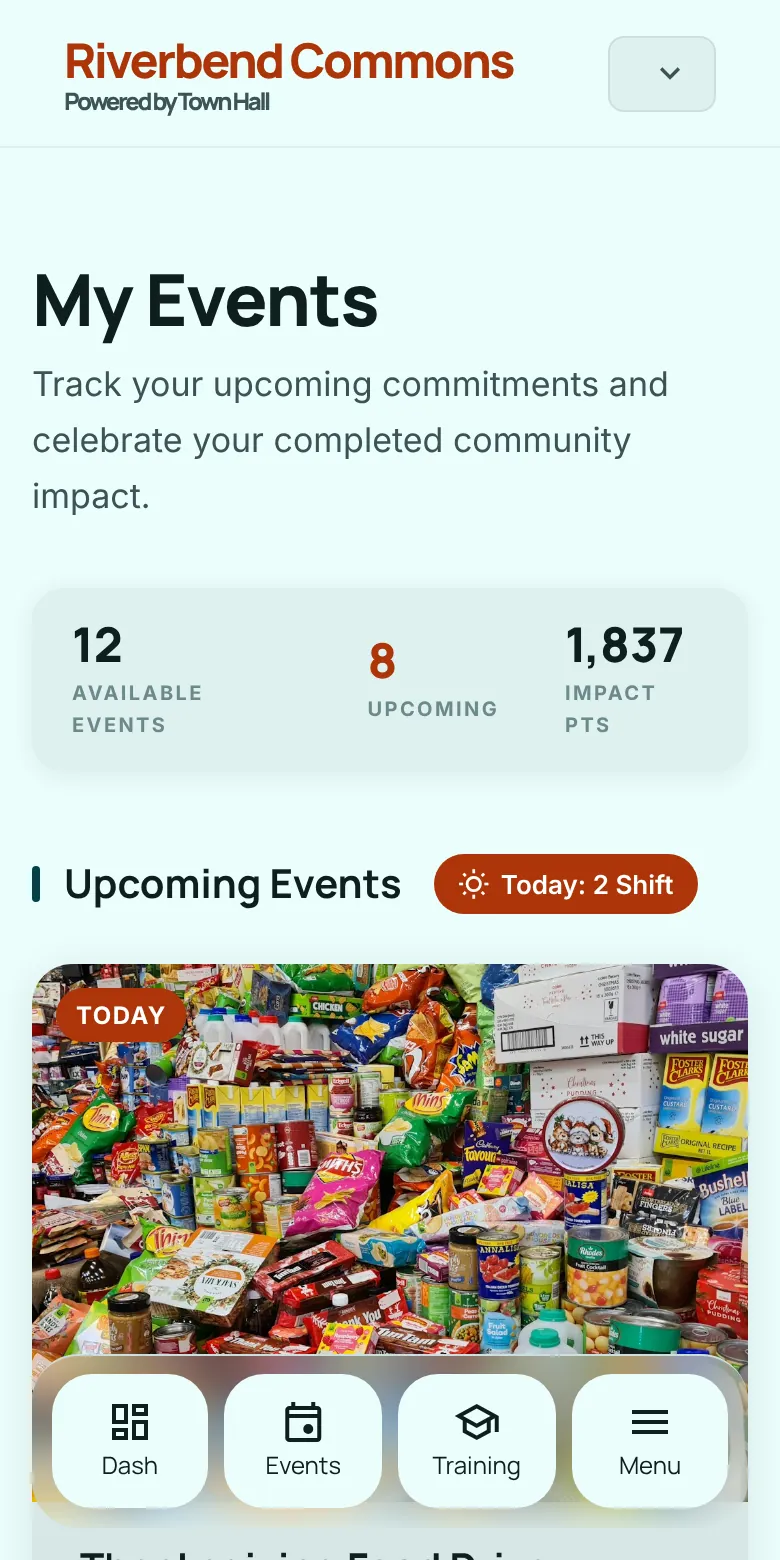
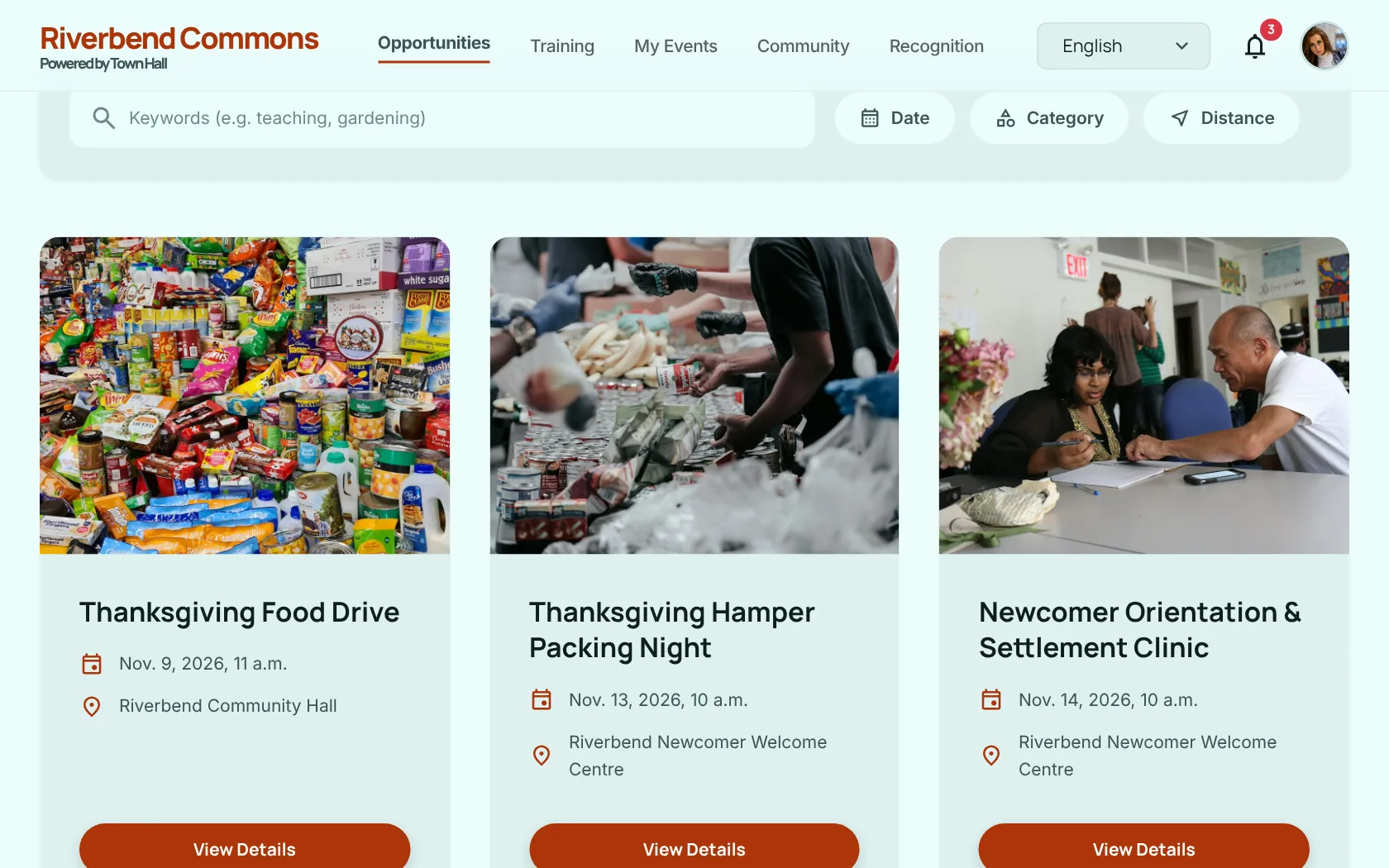
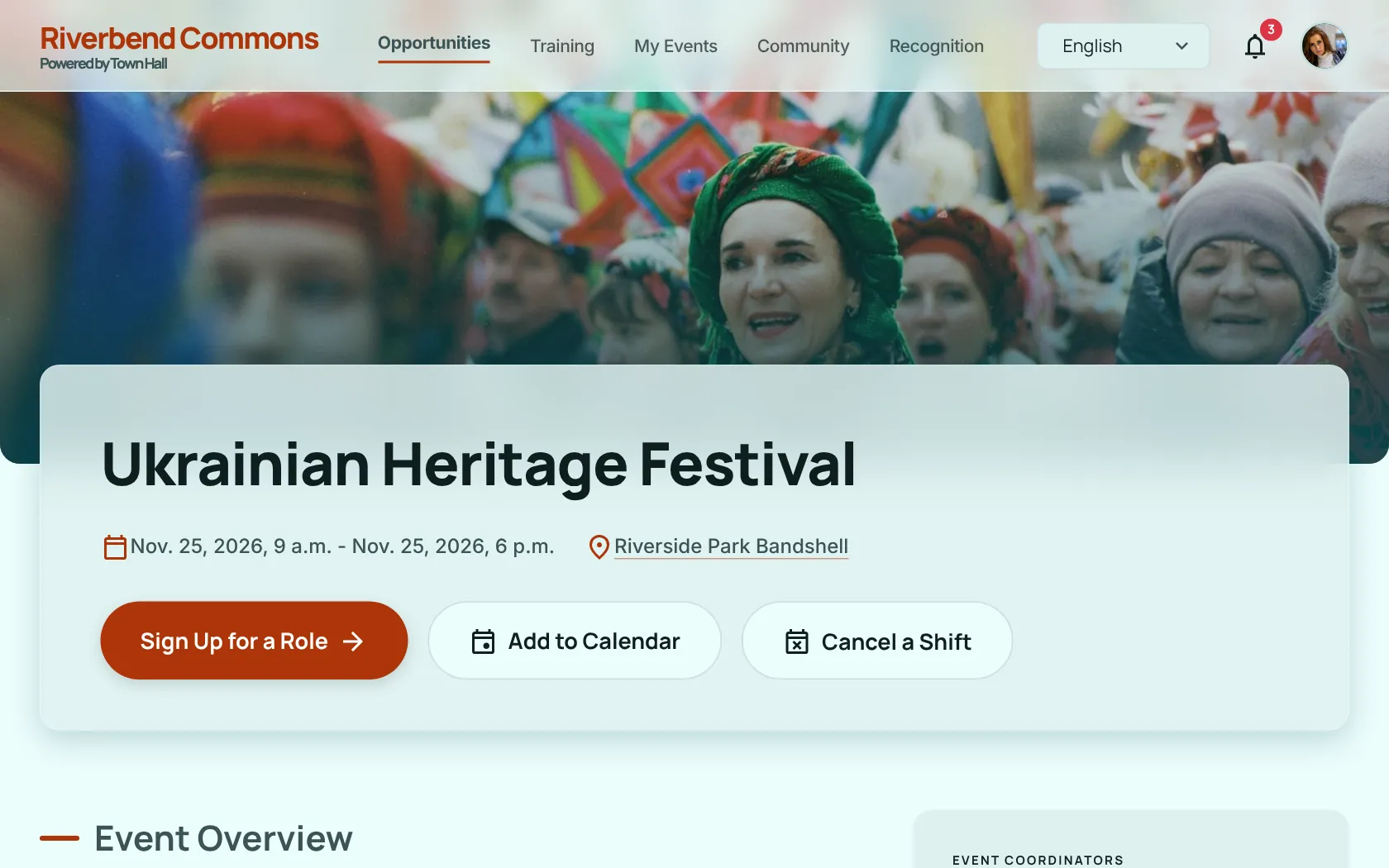
The screenshots on this page show Town Hall with made-up demo data.
The notice board
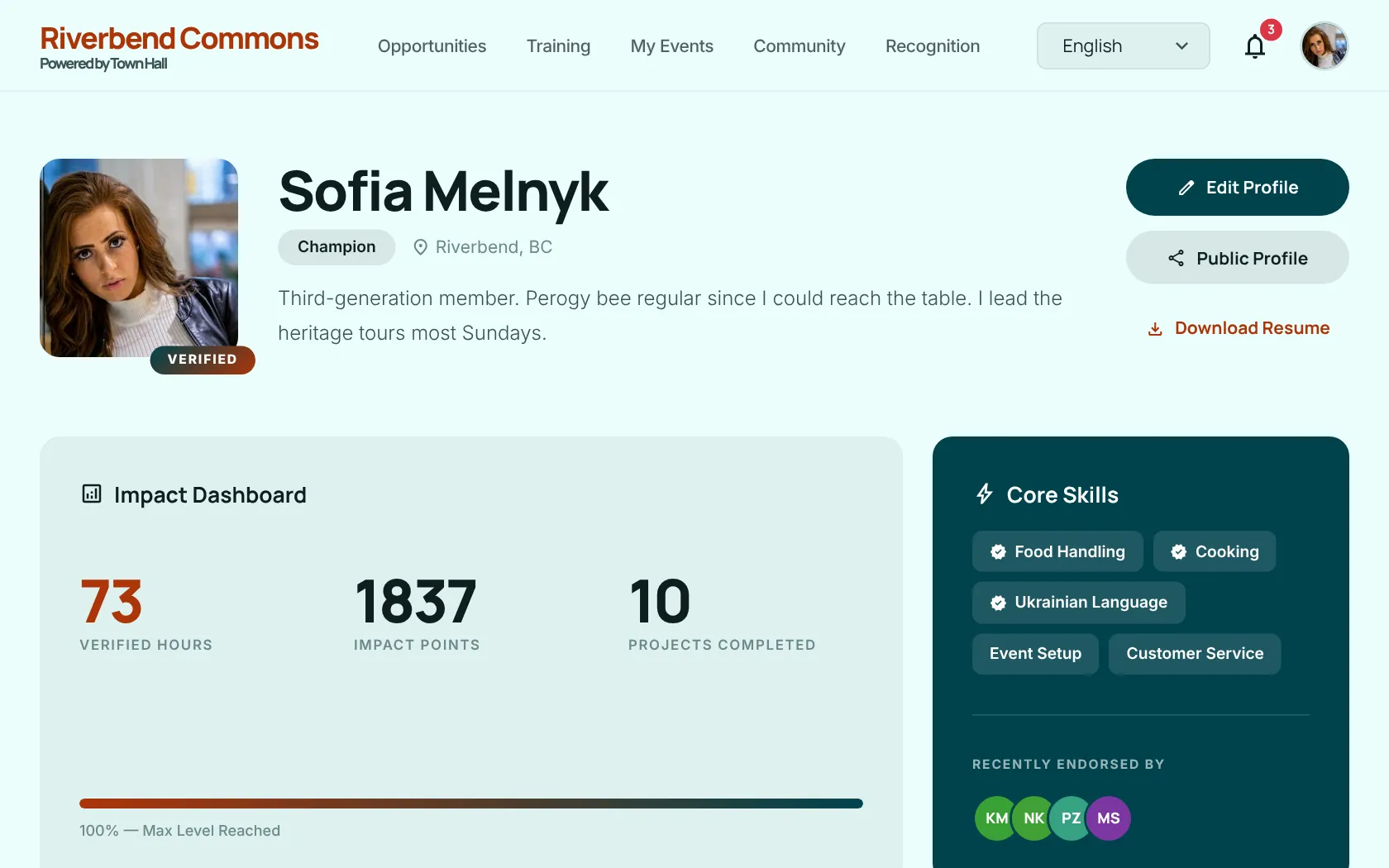
For volunteers: everything they need is pinned up front.
-
Find opportunities
Browse and search published events, filter by category, and see every role, its time window and how many spots are left.
-
Train, then serve
Roles can require training modules. Sign-up opens once the required ones are complete.
-
Earn impact points
Shifts, training and endorsements earn points, and points set your level.
-
A record you can share
A profile, endorsements from peers and staff, external certificates and a printable volunteer résumé.
-
Know your team
On large events you see your area lead, your shift lead and a link to your own task list.
-
Install it, get notified
The site installs as an app. Turn on push notifications for shift reminders, new opportunities, invitations and messages from staff.
-
Reminders
A reminder email the day before each shift, and a thank-you asking for feedback after your last shift at an event.
The front desk
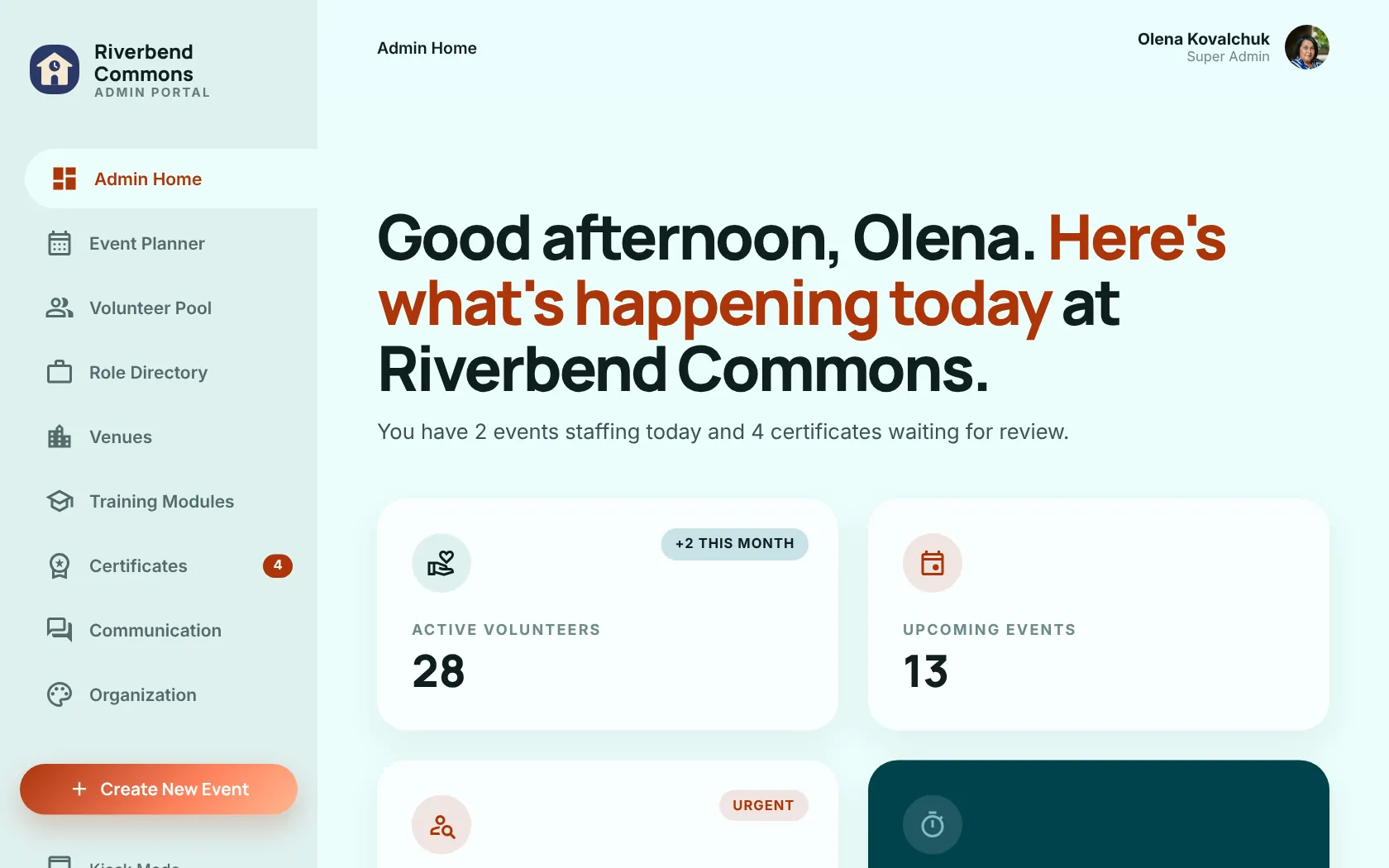
For staff: the Console is the ledger that runs it all.
Events and staffing
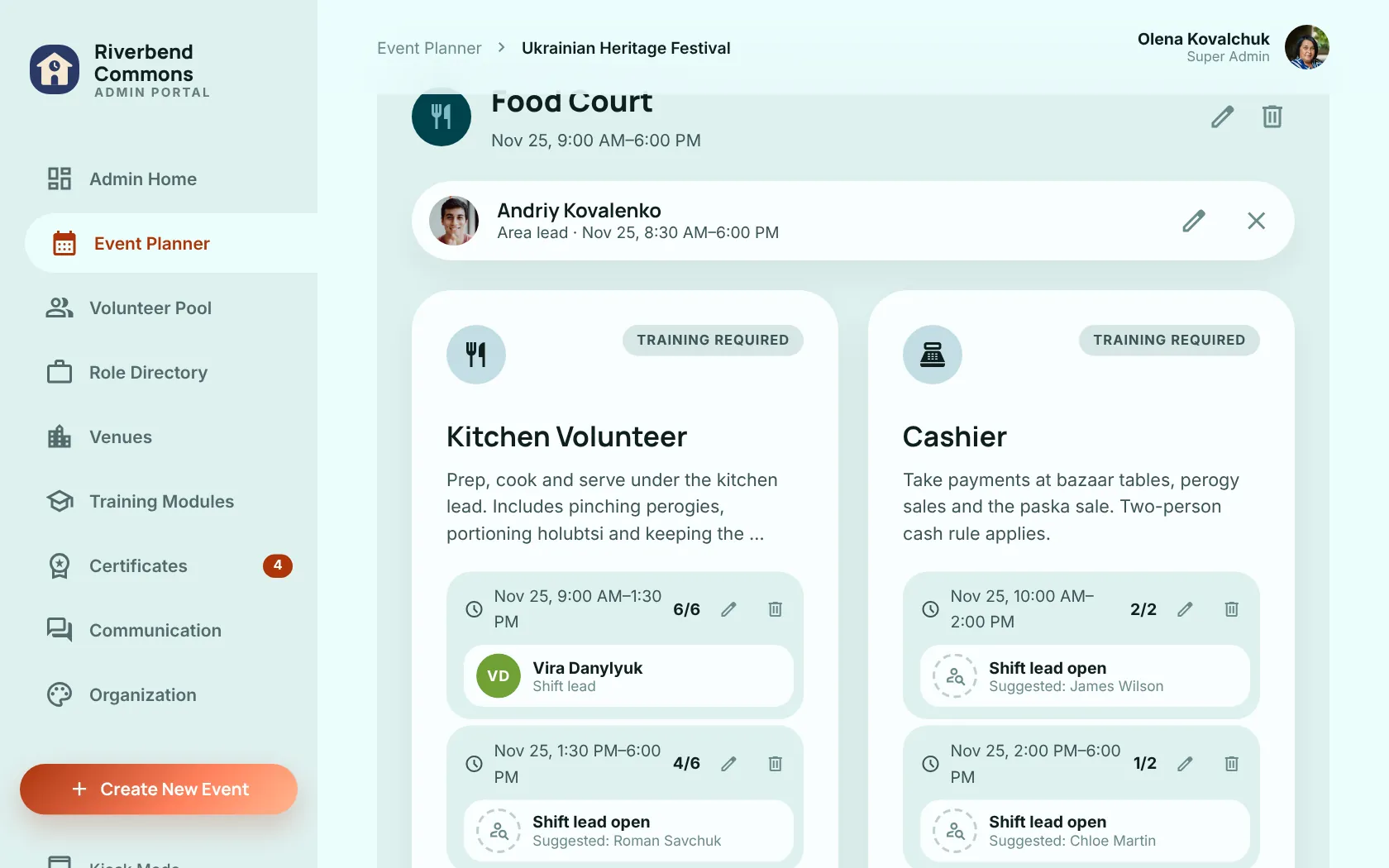
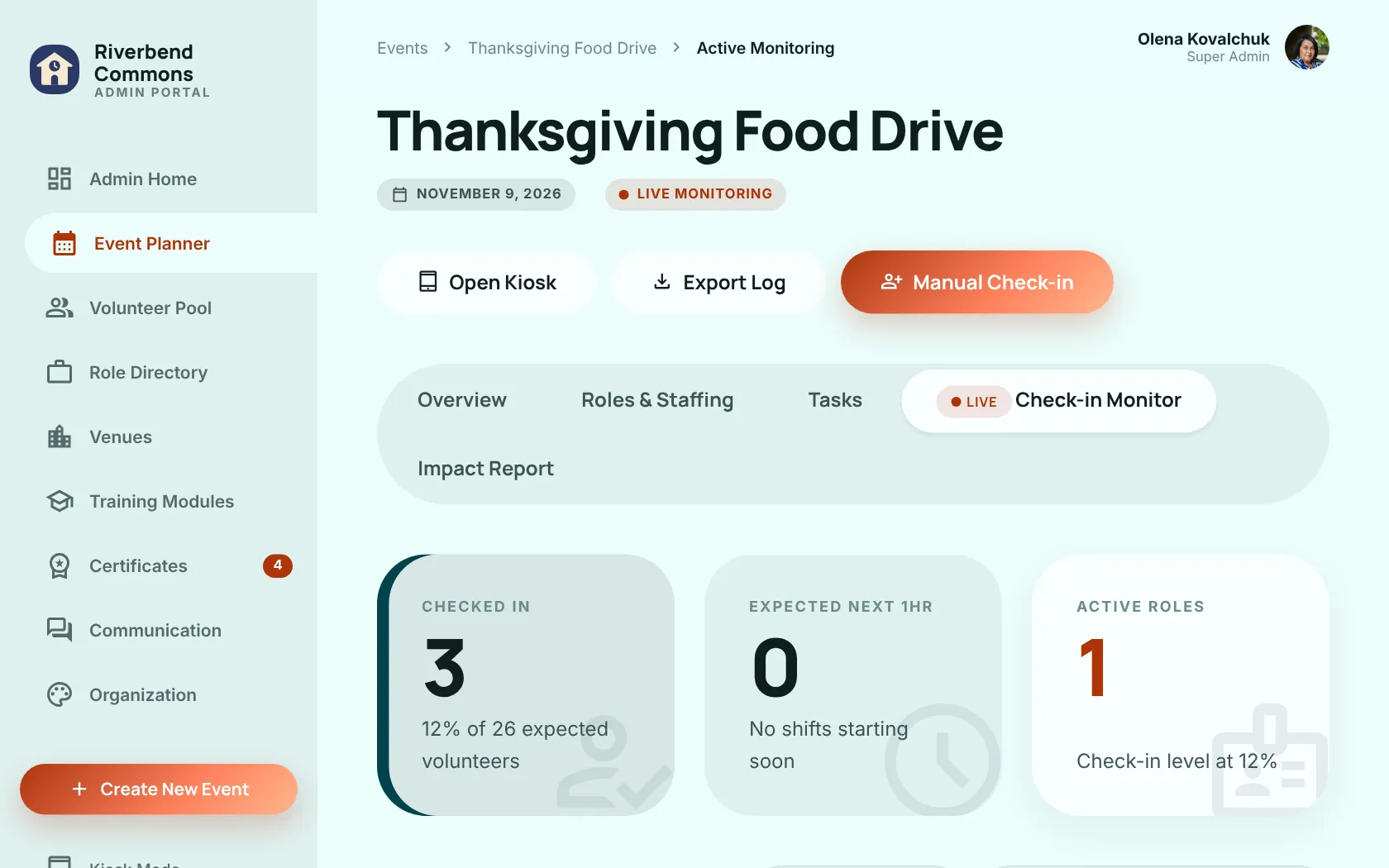
Role slots with headcounts and overstaffing limits, public or invite-only slots, invite links, live check-ins and reports.
Chain of command
For big events: group slots into areas, assign area leads, and let Town Hall pick shift leads 48 hours before the event.
Roles and training editors
Set role templates, attach mandatory modules, and write lessons and quizzes.
Venues
Addresses are geocoded automatically. Venues have features, opening hours, short-lived notices and their own kiosk.
Permanent staff
Ongoing roles, optionally tied to a venue, that only assigned people can clock into.
Points rules
Adjust points per hour, role weights, reach caps and bonuses, then recalculate history.
Communication
Emails and event announcements through listmonk, with per-language templates in your brand colours. Push notifications switch on or off per kind.
Make it yours
Theme colours, logo, home page hero, languages and time zone, all from the console.
At the door
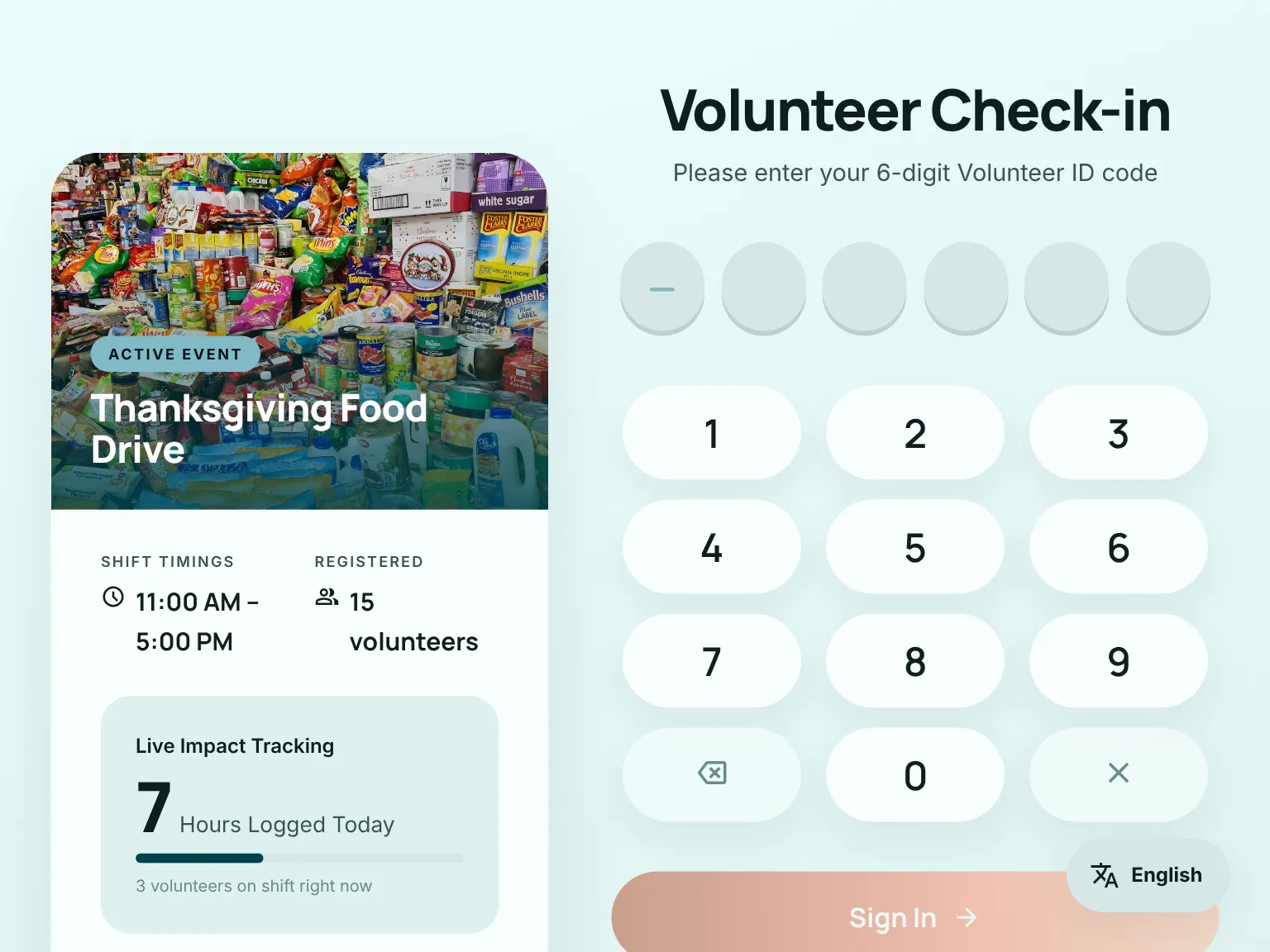
Kiosk check-in
Put a tablet at the door. Volunteers enter their 6-digit ID code to start and end shifts, either for an event or at a venue for permanent roles.
The kiosk never logs anyone into the site.
The training room
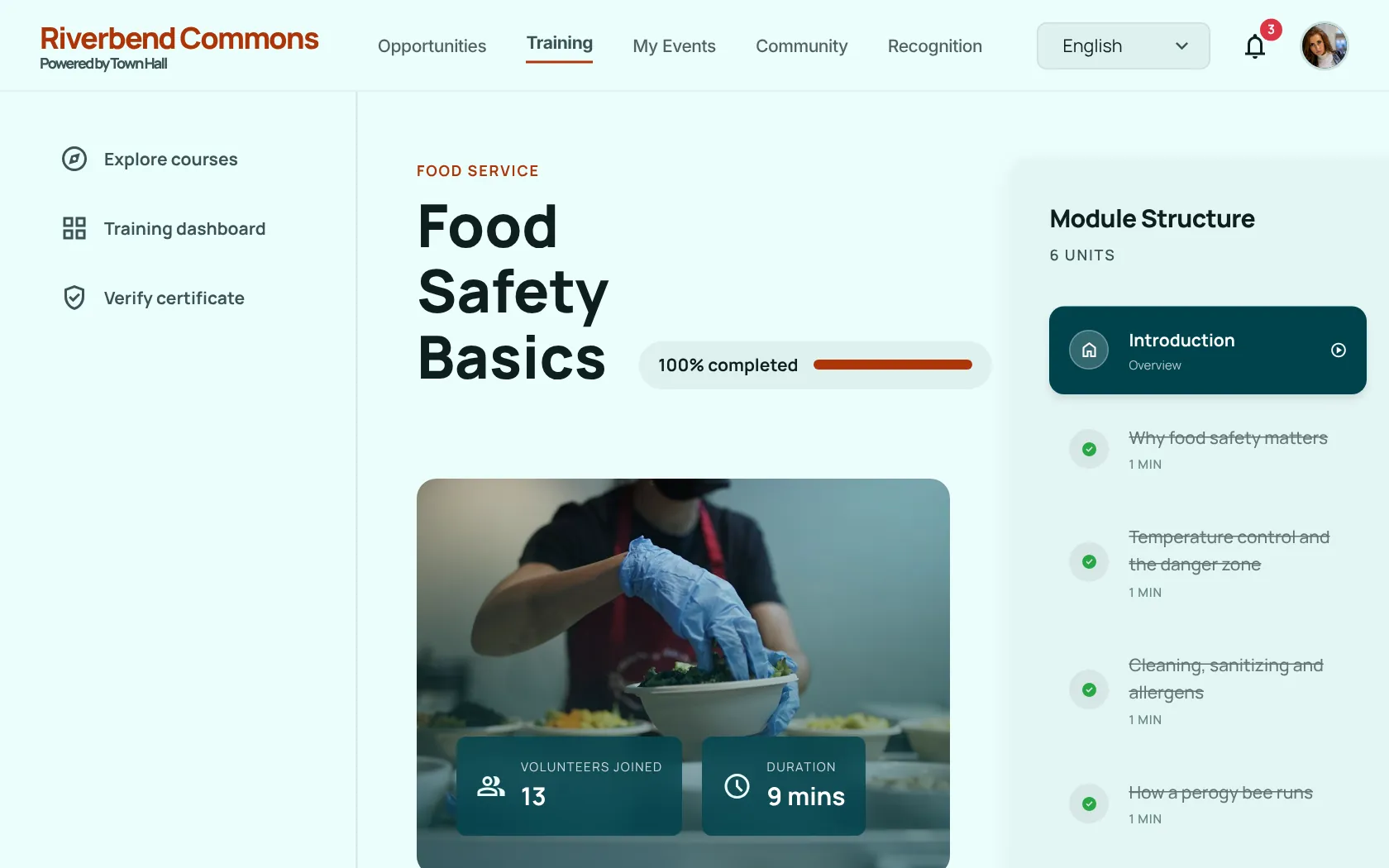
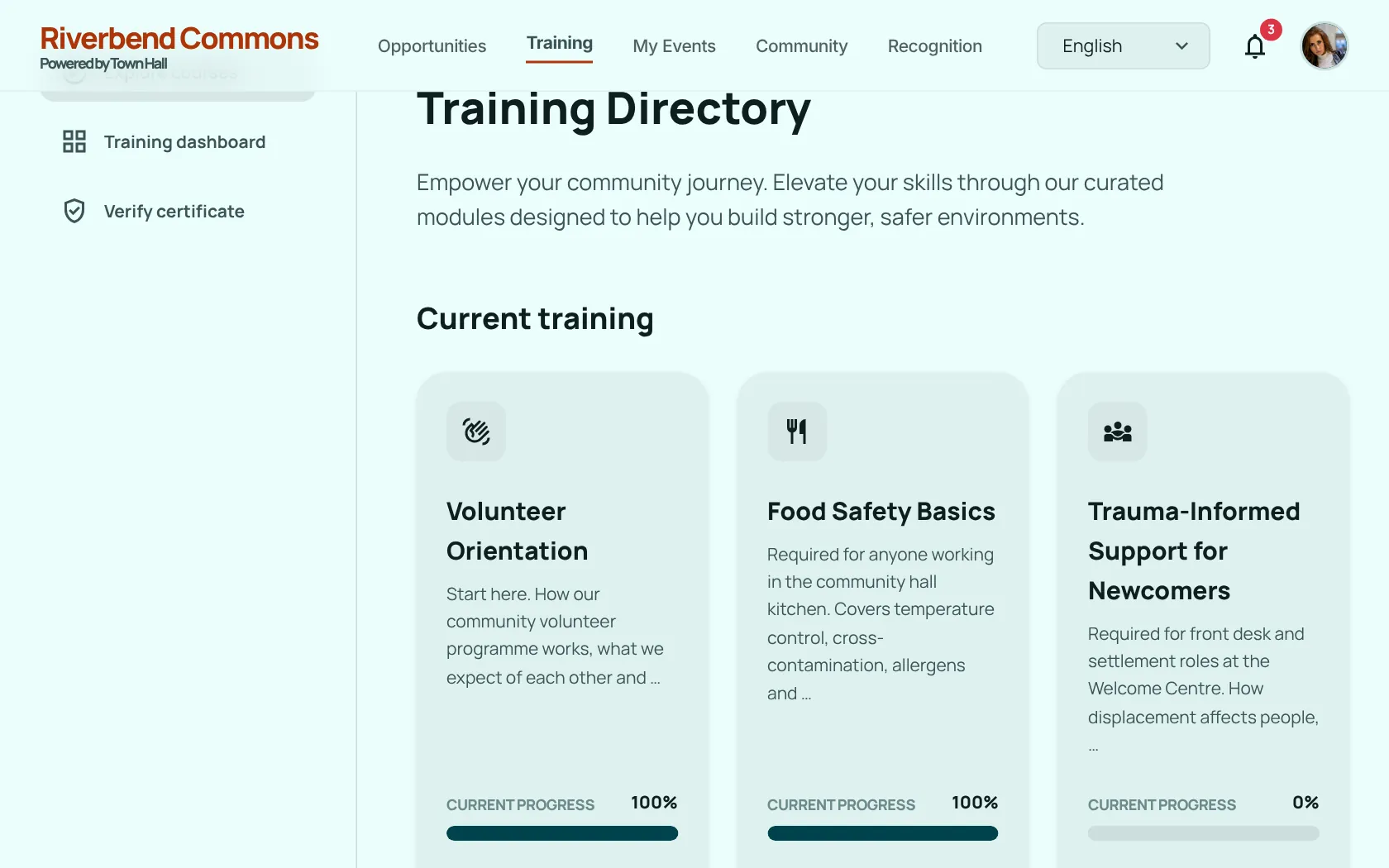
Train, then serve
- Lessons in Markdown and video
- Quizzes at the end
- Sign-up opens when the required modules are done
- Completions can expire, so certifications stay current
- External certificates sit on the volunteer's record
- A built-in admin guide walks new admins through the app
The trophy shelf
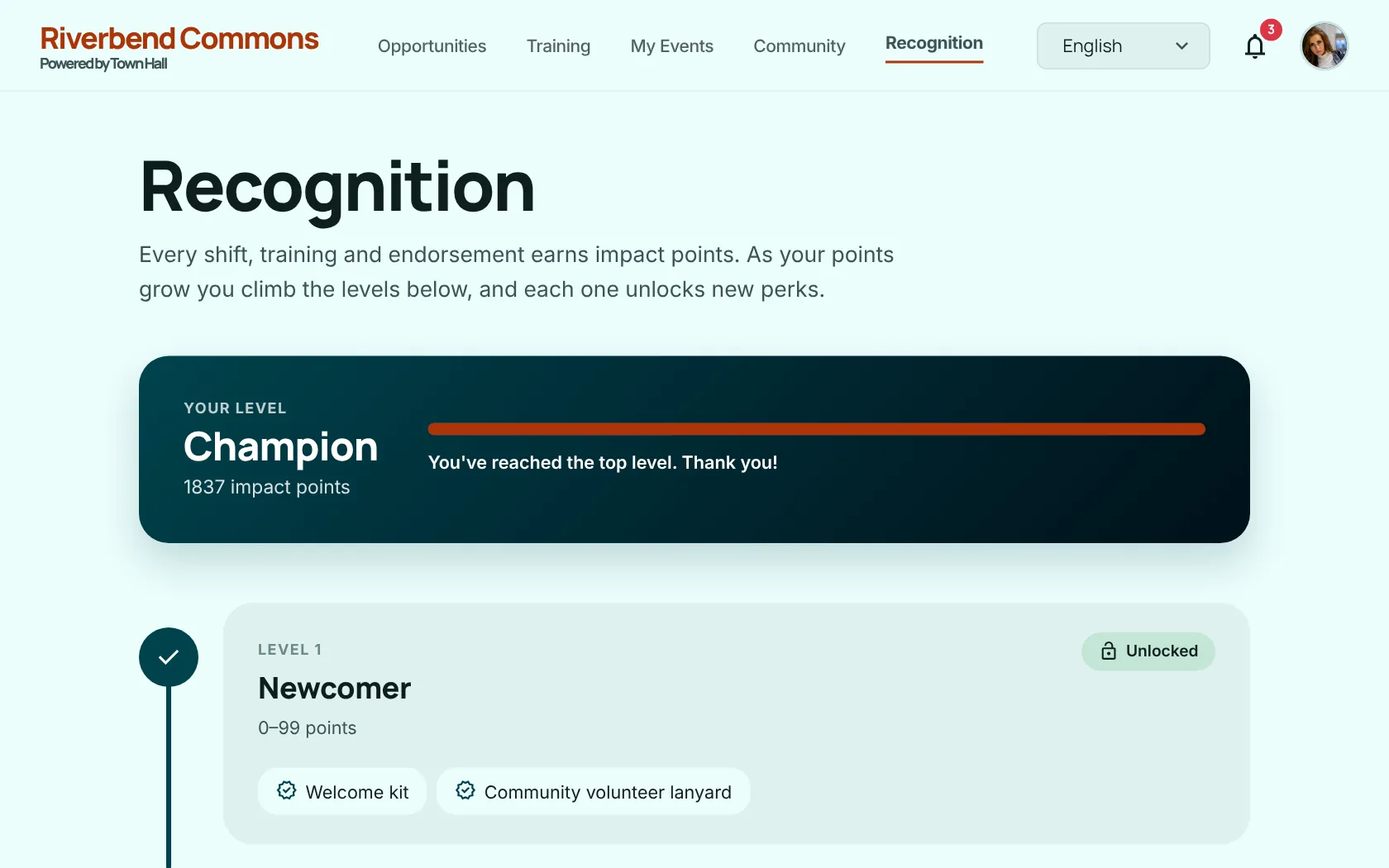
Recognition for the people who keep showing up.
-
Impact points
Shifts, training and endorsements all earn points.
-
Levels
Points set your level. The Recognition page shows the whole ladder.
-
Endorsements
Peers and staff can endorse a volunteer for the work they do.
-
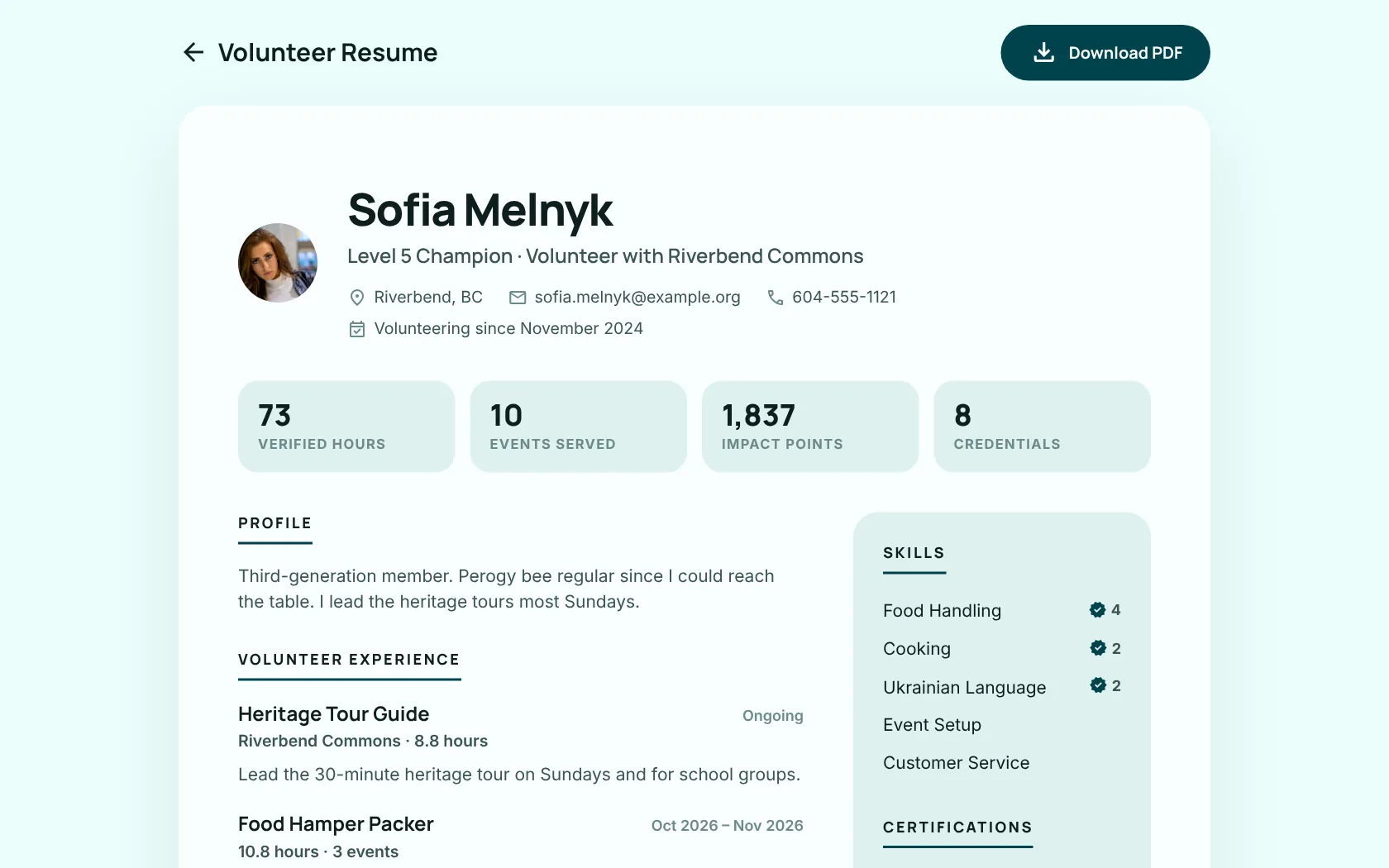
Volunteer résumé
A printable record of where someone has served.
The planning table
Plan events with Claude
Town Hall includes an MCP server. Add it as a custom connector in Claude, and staff can ask Claude to:
- Draft an event
- Estimate headcounts from past events
- Set up areas and build task lists
- Build training modules from material you provide
- Write quizzes from lessons
- Invite volunteers
The scope is limited on purpose: nothing can be deleted, and people's profiles and settings are read-only.
Task lists with Bell Tower
Bell Tower is in progressConnect your organization's Bell Tower server and every event gets:
- A planning list for the event
- Day-of lists
- One list per role, joined automatically at sign-up
In the console you can drag tasks between lists and merge lists.
Speaks your volunteers' language
- English
- Español
- Français
- Українська
- 繁體中文
- Tagalog
Events, roles and lessons are translatable, and an Auto-translate button fills in missing translations.
The back office
Built with Django 6, HTMX and plain CSS. No SPA and no build step.
Quick start
You need Python 3.12 or newer. Set SECRET_KEY in .env before you migrate. On a fresh database Town Hall sends you to /setup/, where you create the first admin and name your organization.
Going to production
The repo deploys with Nixpacks, for example on Coolify or Railway. A production deploy needs a database and S3-compatible storage for uploads, with HTTPS ending at your reverse proxy.
In production Town Hall sends anonymous crash reports to the project's Bugsink so bugs get fixed. You can opt out, or point it at your own.
What it plugs into
listmonk
RecommendedTransactional email, event announcements, newsletter sign-up and password reset
Bell Tower
OptionalShared task lists for events and roles
S3-compatible storage
ProductionMedia uploads in production
Nominatim (OpenStreetMap)
AutomaticGeocoding venue and event addresses
LibreTranslate, Google, DeepL or MyMemory
OptionalAuto-translating content
Claude (MCP)
OptionalAI-assisted event planning for staff